
If you’ve been following this blog the past month as you build your new author website, you’re almost ready to launch! Now that you’ve uploaded your text and images into your new Pages, you can see what each one will look like when it goes live if you click on the Preview button as you are customizing the Page. When you are satisfied, hit the “publish” button. I recommend you install a Contact form on your Contact Page. If you plan to use MailChimp for delivery of your blog and/or your newsletter, use Easy Forms for MailChimp as your widget. Once you’ve customized the look of your Pages to fit you and your book, it’s time to finalize the navigation bar. In the dashboard under Appearances, you will find the item “Menu.” Here is where you can determine the structure and order of each of your Pages. Drag each item into the order you prefer. Home, Author, Book, Blog, Contact. Then click the blue button “save menu.” Now the Navigation Bar on your new website will appear. You’re almost finished. You will want to activate the plugins for MailChimp, Askimet Anti-Spam, Google Analytics, and Facebook Open Graph, Google + and Twitter Card Tags. MailChimp will automate the delivery of emails from your site. Askimet blocks spammers. Google Analytics will import your metrics into your dashboard so you can see them when you sign in. The Facebook Open Graph widget helps your website links load an image and pop up when…


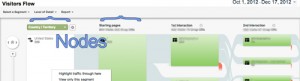
Analytics for Authors blogs have been edited to reflect the 01/16/2013 Google Analytics update. — To navigate to Visitor Flow, click on its name on the left hand menu when you’re logged into Google Analytics. What you’ll see is a visual map of how visitors used your site. The large veritcal columns are nodes: Nodes represent a single metric – the first column defines where the… [Read More]
Filed Under: blogging, Google, Google Analytics, internet, marketing strategy, social media metrics, WordPress
No Comments

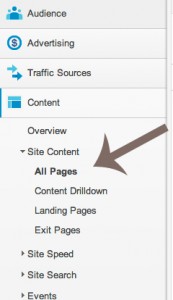
Analytics for Authors blogs have been edited to reflect the 01/16/2013 Google Analytics update. — You’ve gotten a feel for your audience and how they visit your site using Google Analytics, but you still might not have a clear idea what page is getting the most traffic. To get a good look at your content’s metrics, click on Content then All Pages in the left… [Read More]

So it’s cold outside. Steep a cup of tea and put in a teaspoon of pure, local, raw honey. Then take a sip, close your eyes, and feel that warm golden glow. Give thanks for the angels of agriculture: bees. Homegrown Honey Bees: Beekeeping Your First Year, from Hiving to Honey Harvest by Alethea Morrison is an introduction to beekeeping and a recruitment tool for… [Read More]
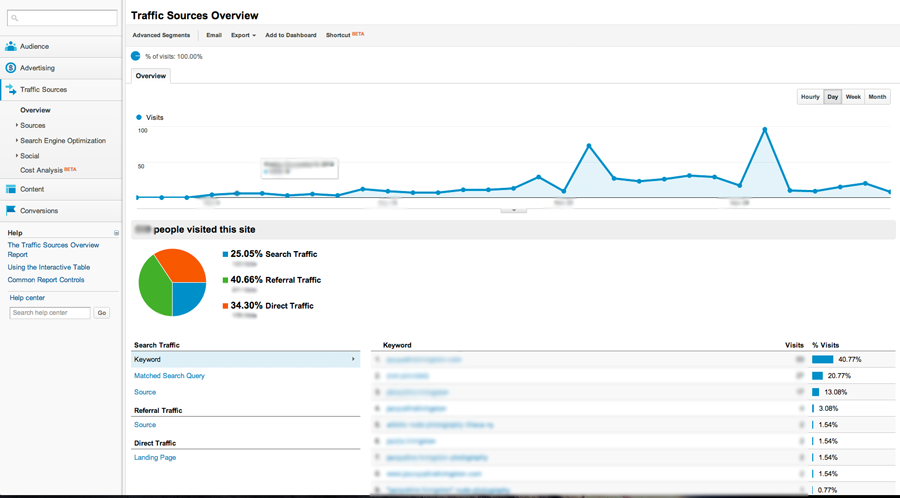
Analytics for Authors blogs have been edited to reflect the 01/16/2013 Google Analytics update. — Another key section of Google Analytics is Traffic Sources. Access this section’s overview through the left-hand navigation bar.* Your traffic is broken down into three types: Direct Traffic Direct traffic are the visits you get through someone typing in your URL into an address bar, by accessing a bookmark they’ve… [Read More]
Filed Under: analytics, analytics for authors, blogging, Google, Google Analytics, internet, search engine optimization, SEO, technology
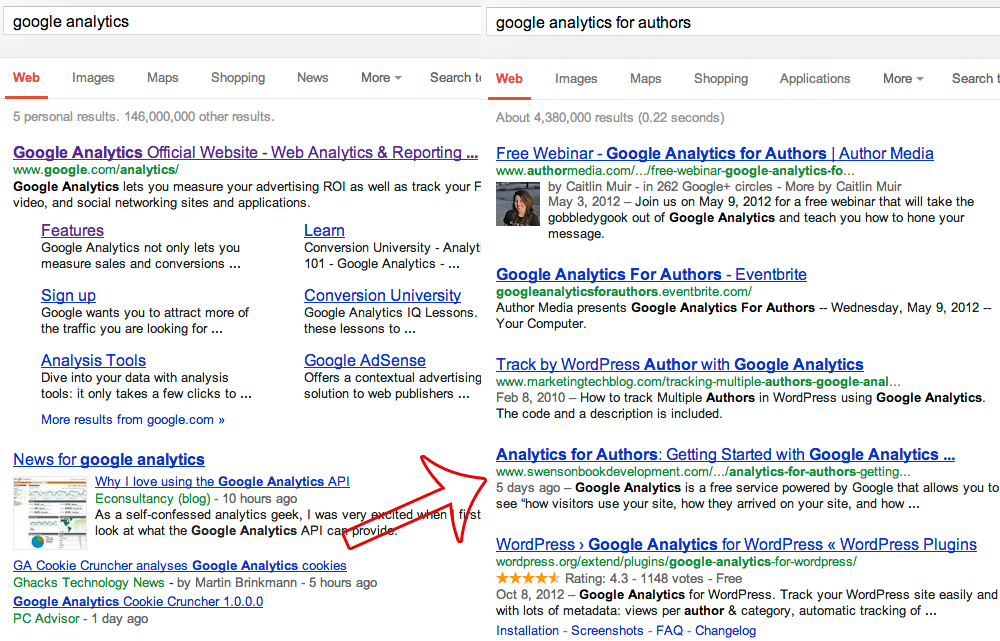
Analytics for Authors blogs have been edited to reflect the 01/16/2013 Google Analytics update. — Mark Twain wrote to a friend, “The difference between the almost right word and the right word is really a large matter—’tis the difference between the lightning-bug and the lightning.” – and the same can be said for Google keywords. It’s the difference between ‘swimming pool’ and ‘swimming pool installation… [Read More]